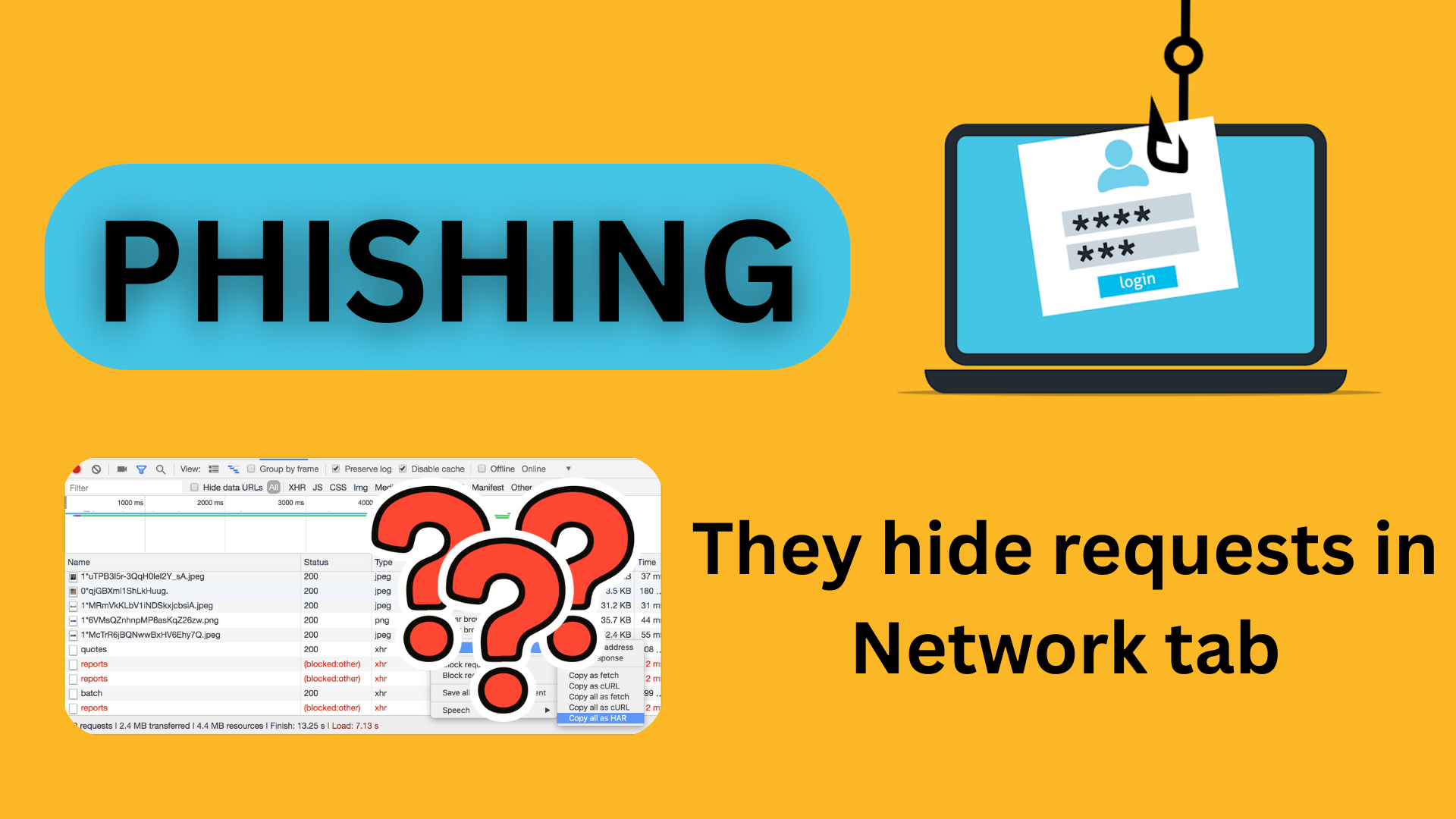
How they tried to hack my Telegram
Recently I received a phishing attack on my telegram account.
It works like regular phishing:
- person sends you link in telegram, asking to vote for a drawing
- you follow the link, and it asks you to “confirm” your vote with Telegram phone number
- when a phone number is entered, they try to authenticate using it, and Telegram sends you a one-time code.
- If you enter that code without having two-factor authentication, your account is compromised
I was curious how they send my phone number so that I could replay this XHR and fill their database with fake numbers, potentially overloading it with data.
To my surprise, these hackers did a great job, because you literally cannot see this request being sent. When you click “send,” you see a bunch of JS files with random values, and that’s it. These values do not seem to be an encrypted phone number to me.
I have made an investigation, and confirmed THEY ACTUALLY CAN HIDE REQUESTS FROM NETWORK TAB OF YOUR BROWSER.
How it works
Here we’re going to go over what is happening. I deobfuscated all the .js using multiple tools, so you wouldn’t see the same code in the browser as shown here unless you deobfuscate it as well.
If you would like to check it, I’ve pasted the malicious link below.
DO NOT FOLLOW THE LINK BELOW, IT IS MALICIOUS, ONLY FOR LEARNING PURPOSE. DON’T ENTER YOUR DATA ON THE SITE UNDER THE LINK BELOW:
https://population.anyiloy.top/X
STEP 1: Following the link
As I said, step one is to follow the malicious link. They try to mask it as a native Telegram link, but it isn’t.

STEP 2: Fake main page
They made it a two-step process:
- The initial page is just redirecting you to another domain straight away with 302
- The second page is the page that loads fake html page
This is probably done for availability purposes, because once I blocked the second link, they quickly switched the domain to a different one.


STEP 3: Phone number page - telegram-page(gX9ZOEx).html
From now on, all the pages will have random checksum/hash/signature attached. Probably this is how they track unique visits to the site. Every single time you visit it, these values are different.
I will be giving the human readable namings to make it simpler.
The phone number page is what loads when you click the “Vote” button, let’s call it telegram-page(gX9ZOEx).html. This is where all magic starts.

It renders html + css, and loads a bunch of other .js files as dependencies including this one: telegram-client-preloader(4iner3xmme45).js.

STEP 4: Preloader - telegram-client-preloader(4iner3xmme45).js
This guy loads bunch of other .js files, including this one: telegram-client-loader(6nstwounklid).js

STEP 5: MAGIC - Loader - telegram-client-loader(6nstwounklid).js
In its turn the “loader” is doing all the magic. It creates a SharedWorker, which is a browser concept that can execute JS in a separate thread and has PubSub communication with the main thread.
This Shared Worker is executing Telegram Client code, that is doing all authorization, sends phone number, sends OTP, etc.

That way the Shared Worker’s requests are not visible in Network Tabs.
STEP 6: Telegram client - telegram-client(12amy0wzez63).js
The code that does communication with telegram

To see the opened socket with Telegram Client, you need to do extra steps:
- before going to malicious site, open additional tab and type
chrome://inspect/#workersoredge://inspect/#workers - perform the action - open “phone number” page
- as soon as you see workers - click “inspect” on all of them, it will open multiple dev tools windows
- inspect each of them
In our case, we have 5 workers, and only one of them is the one we are talking about, and it holds the socket connection. Since it is a telegram API, all the data is encrypted.

You won’t see this socket connection in the main tab, nor will you see any XHR or WebRTC requests.


POC to Reproduce
I have created the POC in my github repository that reproduces the behavior:
- main.html page that imports loader.js
- loader.js creates SharedWorker that executes client.js
- both loader.js and client.js are sending http requests every 3 seconds

Conclusion
To summarize: it is actually possible to hide a request from the Network tab using a WebWorker, so sometimes you won’t even see what happened or how your data ended up in a hacker’s hands.
Please don’t forget to subscribe to the email digest, as in the next article I will show you how to take action against phishing attackers.
Comments